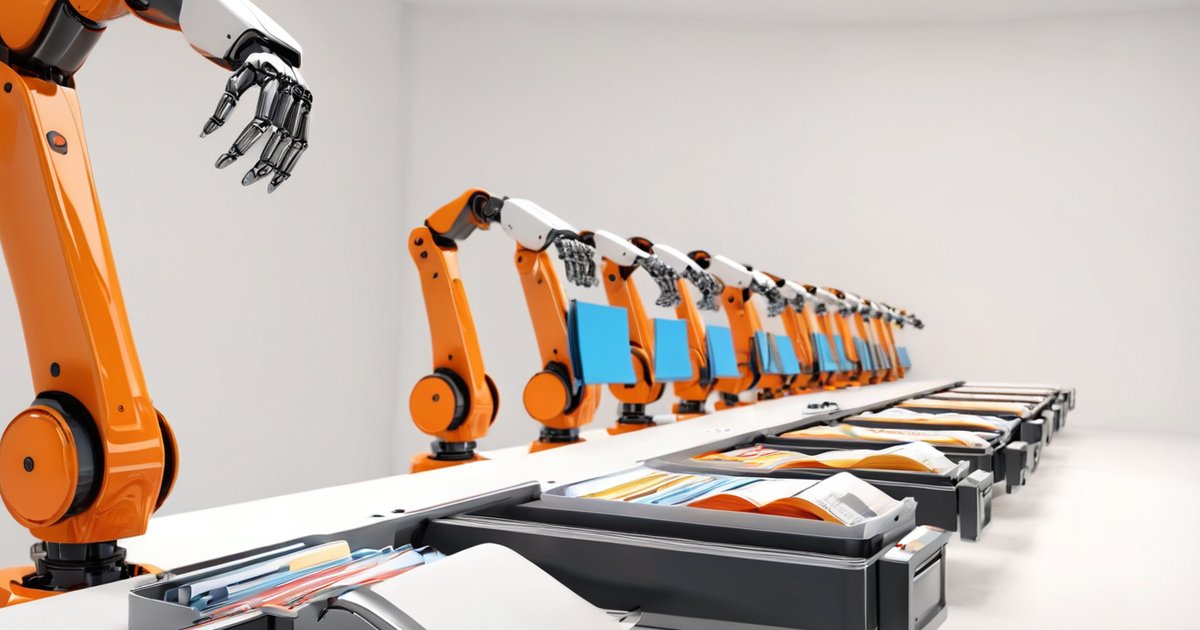
Hong Kong SME offices lose hours every day to tedious, repetitive paperwork: copying data from emails into Excel, manually turning orders into invoices, reconciling accounts at month-end, then churning out reports. Staff who could be doing far more valuable work get chained to these "data-moving" chores.
These repetitive tasks are exactly what RPA (Robotic Process Automation) handles best. RPA is a "software robot" — a program running inside your computer that mimics a human clicking buttons, copy-pasting and entering data, but it never gets tired, never loses focus, and can run 24 hours a day.
One survey found clerical staff spend an average of 3 to 4 hours a day on repetitive paperwork, while an RPA robot works 5 to 10 times faster than a human and cuts error rates from 1–2% down to near zero. For SMEs, payback typically arrives in 3 to 6 months — you don't need to be a big company to benefit.
Here are five tasks where SMEs see the fastest results from RPA:
Scenario 1: Automated reconciliation
Bank statements rarely match your system's records, and checking line by line by hand is slow and error-prone. An RPA robot can log into the bank daily, download statements, match every entry against your system and flag discrepancies — no more late nights for your team.
Scenario 2: Automated invoicing and quoting
When a customer places an order, someone has to turn it into an invoice or quote. RPA can generate the invoice directly from the order, auto-fill the customer details, amounts and products, and even email it to the customer.
Scenario 3: Moving data between systems
Orders and enquiries arrive through your online shop, social media and email, then have to be copied into your ERP or Excel. An RPA robot can "scrape" data from different sources and enter it into your system automatically, saving hours every day.
Scenario 4: Daily reports on autopilot
Your boss needs to see revenue, inventory and cash flow every single day. RPA can click through at a set time, export the data, assemble the report and email it to the boss — so the numbers are ready before they even wake up.
Scenario 5: Syncing customer data
Customer records are scattered across CRM, accounting and membership systems; update one and you have to update them all by hand. RPA keeps every system in sync automatically, so you never again end up with "two systems, two phone numbers".
How to start: three steps
Step one — pick the task: start with something repetitive, rule-based and high-volume, like reconciliation or invoicing, not something complex.
Step two — pick the tool: SMEs can begin with low-barrier tools — UiPath and Power Automate both have free or low-cost tiers — and if you can code a little, Python plus Selenium lets you build your own.
Step three — start small: run one task for a month, measure the time saved and errors avoided, then expand to the next task once you see results.
Summary
RPA isn't about replacing people — it's about freeing staff from repetitive, boring data-moving so they can do the work that actually needs a human: serving customers, coming up with ideas, solving problems. For an SME, a software robot that never tires, never errs and works around the clock costs a fraction of a hire. Start with one task and you'll see why more and more owners call it "the best employee they've ever hired".